How to Recover BKF File using BKF File Recovery?
Introducing SysTools BKF Repair Software
The version of BKF Repair Software that is downloaded from our website is fully functional. It will allow you to preview the contents of the files that has been found after scanning of BKF File. However, you must purchase a product activation key before you can save or extract your files.
Recovery Steps of SysTools BKF Repair Tool
» Go to Start » Programs » SysTools BKF Repair. Open SysTools BKF Repair, initial software start-up screen appear as follows: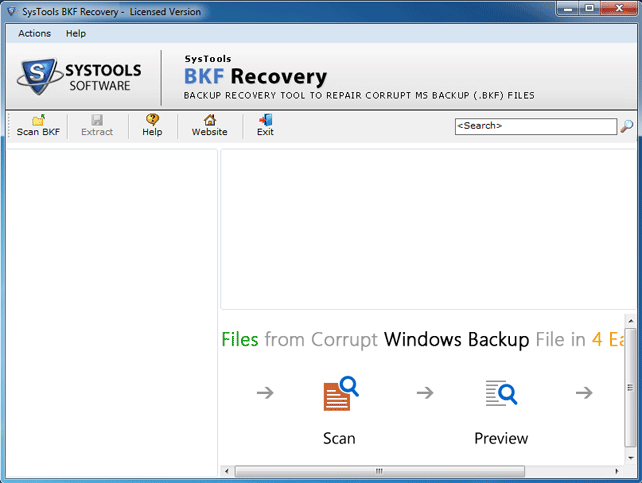
» Select one option between "Quick Scan", "Deep Scan" and "Range Based Scan" option select corrupt bkf file or to open BKF file for BKF File Recovery as shown below: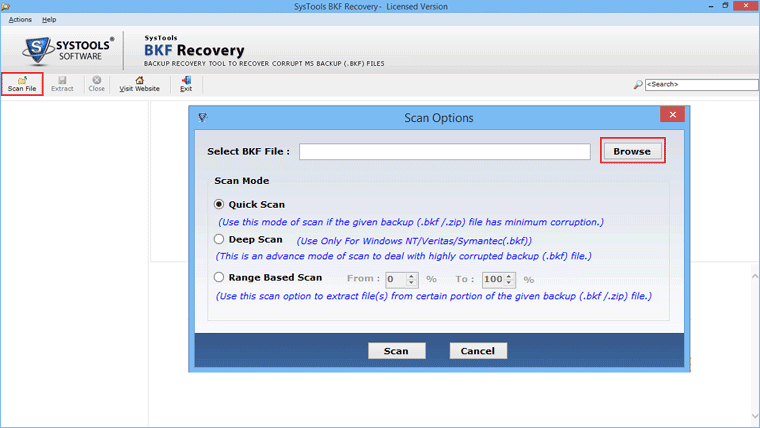
» Select the corrupt BKF file that you need to repair.
» After selecting, click the “Open" button 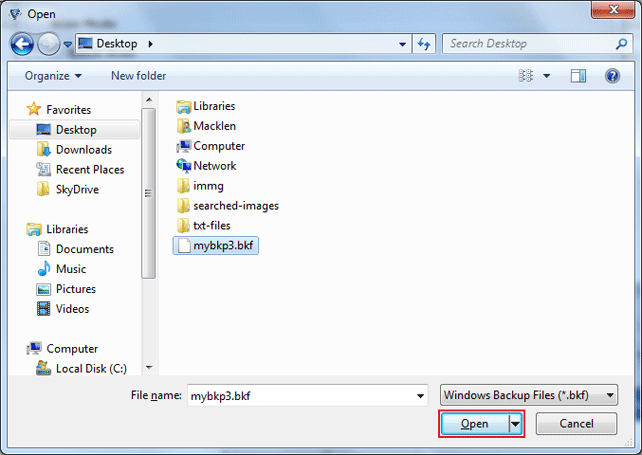
» SysTools BKF Repair start loading corrupt BKF file showing progress bar at the bottom of the screen as shown below: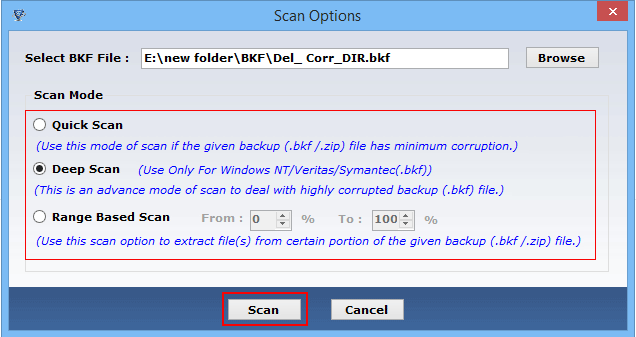
» Proccess Details of Backup file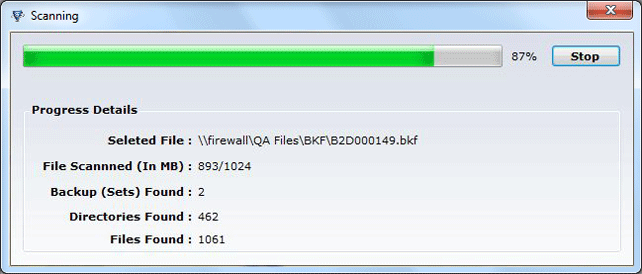
» SysTools BKF Repair then opens corrupt BKF file and displays files and folders after completely loading BKF file which lets you to explore all files and folders found inside the BKF file. Software then displays following screen: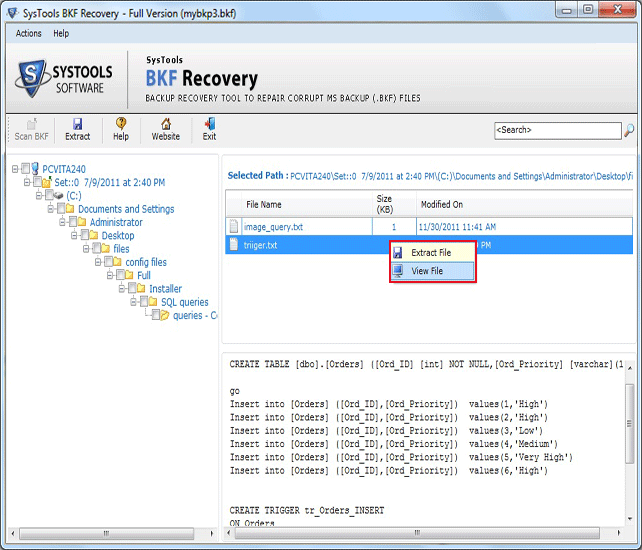
» After this, click "Extract button" to save or extract the checked folders from corrupt BKF files.
» In order to repair another corrupted BKF files, no need to restart software, just choose BKF files from the left tree structure, and press right-click and choose close backup file option.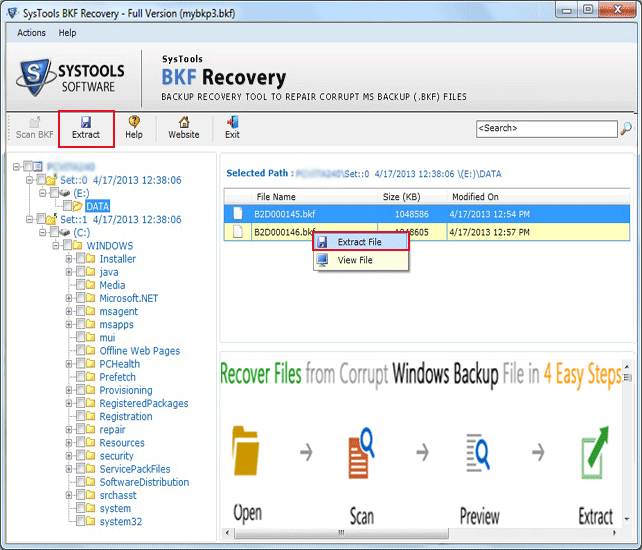
» For performing Extract Mode: “Extract at original location ” and select "Extract at selected location " option from the drop down menu as shown below: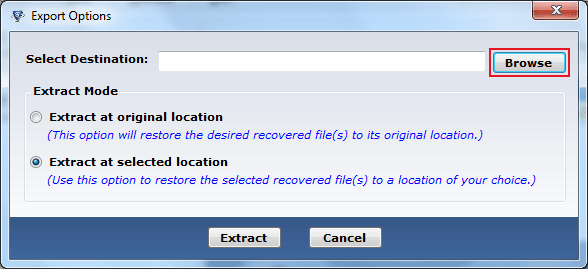
» Browse Folder and files for Save selected Mode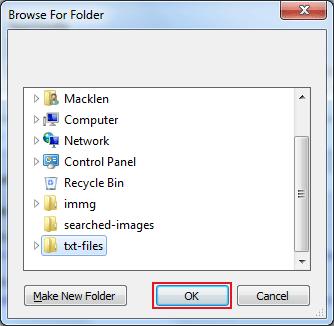
» Use this option to Restore the selected recovered files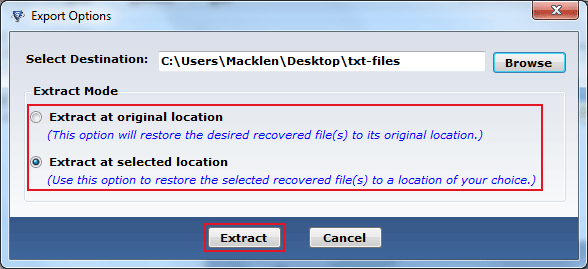
» Finally Extract selected files and folder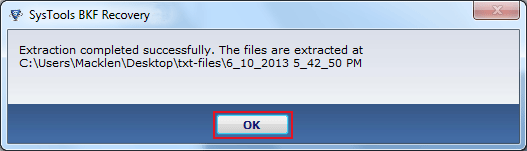
What is this value? This value if the percentage of data that you want to extract from any large sized BKF file. (For example if you place the values as 0% to 25% and and the file size is 100 GB, then the software will recover only first 25% of data from the selected BKF file. Similarly if you enter range as 50% to 100%, the option will scan from offset 50GB to 100GB of data out of the total 100 GB.